777sz App vs Website – Which One Fits How You Play
Short answer: if you want the fastest login and push alerts for live cricket odds, grab the Android APK. If you just want to play right now without installing anything, the mobile browser is fine. For detailed stats and big-screen table games, use the desktop browser.
Below you'll find a full side-by-side table, then a breakdown of each option, plus a quick guide for five common scenarios that players in Bangladesh run into.
777sz Full Comparison: App, Mobile Browser, Desktop Browser
| Dimension | Android App (APK) | Mobile Browser | Desktop Browser |
|---|---|---|---|
| Installation | Download 45 MB APK, enable "Unknown sources", install | No install needed – open in Chrome or Firefox | No install needed – any modern browser works |
| Android required | Android 8.0 or above | Any Android or iOS version | Windows, macOS, Linux |
| Opening speed | Usually faster – cached assets load locally | Depends on browser cache; slightly slower first load | Fast on a stable broadband connection |
| Data usage | Lower after first install – fewer repeat downloads | Moderate – page assets re-downloaded each session | Higher if streaming live tables in HD |
| Push notifications | Yes – live odds, deposit alerts | Not available | Browser notifications only if enabled |
| Quick login (biometric / saved session) | Fingerprint / PIN supported | Browser autofill only | Browser autofill only |
| Games available | Full library – slots, live casino, sports, fishing | Full library – same content | Full library – best for multi-table live casino |
| Deposit & withdrawal | bKash, Nagad, Rocket, Upay, Bank Transfer – all available | All payment methods available | All payment methods available |
| Deposit arrives in | ~6 minutes | ~6 minutes | ~6 minutes |
| Withdrawal processed in | ~23 minutes | ~23 minutes | ~23 minutes |
| Best for | Frequent mobile players, cricket live-betting | Occasional players, iOS users, quick sessions | Long sessions, big-screen live tables, sports stats |
777sz Android App – Fastest on a Bangladesh Mobile Network
The Android APK caches game assets locally, so you spend less mobile data on repeat visits. Push notifications keep you in the loop during BPL and T20 matches without having to keep the browser tab open.
Advantages
- Faster load times after initial install
- Push notifications for live odds and deposit confirmations
- Biometric / PIN quick login
- Lower data use on repeat sessions
- Dedicated home screen icon – no bookmarking needed
Limitations
- Requires Android 8.0 or above
- Need to allow "Unknown sources" to install APK
- 45 MB download – not ideal on a very slow connection
- iOS users cannot install this APK
Mobile Browser – No Install, No Fuss
Open 777sz in Chrome or Firefox on any phone. The site adapts to your screen size, and every game, payment method, and account feature works the same as the app. No setting changes required.
Advantages
- Works on any Android version and on iOS
- Zero installation steps
- Always on the latest version automatically
- Good for trying out the site before committing to an account
Limitations
- No push notifications
- Session may time out when switching between apps
- Slightly more data use per session than the app
Desktop Browser – Big Screen, More Control
On a laptop or PC you get the full game interface with a wider view. Live casino tables are easier to follow, sports stats pages show more data columns, and managing your account history is more comfortable with a keyboard and mouse.
Advantages
- Larger screen makes live table games easier to read
- Multiple tabs – watch stats while placing a bet
- Easier to review transaction history and bonus terms
- No battery drain concern for long sessions
Limitations
- Not portable – you're tied to a desk or laptop
- No push notifications
- Higher data use on HD live streams
Pick Based on Your Situation
Five real situations – here's the clearest choice for each.
New player, small first deposit
Just getting started
Open the mobile browser, register, and deposit ৳450 via bKash. No installation required, and you can explore the full game library before deciding whether to install the app.
Mobile BrowserLive cricket / T20 betting
Match nights on the go
Install the Android APK. Push notifications tell you when odds move on a live over, so you don't miss the right moment while switching between apps on your phone.
Android AppLarge withdrawal
Moving a big amount out
Use the desktop browser on a stable Wi-Fi connection. A larger screen and keyboard make it easier to double-check account details before submitting a big withdrawal request (up to ৳85,000 per day for VIP 1).
Desktop BrowseriPhone / iPad user
iOS device
The APK is Android-only. Use the mobile browser in Safari or Chrome. All games and payment methods, including bKash and Nagad, work without restrictions.
Mobile BrowserSaving mobile data
Low data plan
Install the Android APK once on Wi-Fi (45 MB). After that, repeat game sessions use less data than re-loading the browser site each time, because assets are already cached on your phone.
Android App777sz Android App – Technical Details
All the specifics you need before downloading. The APK is free, lightweight, and updates automatically notify you through the app itself.
| Current version | 2.9.5 |
| Download size | 45 MB |
| Minimum Android | Android 8.0 (Oreo) or above |
| Last updated | 16 November 2026 |
| Price | Free |
| Platform | Android only (iOS: use mobile browser) |
| Download source | Only from 777sz.mobi/777sz-app/ – do not use third-party sites |
| Minimum deposit | ৳450 (same across all platforms) |
| Deposit processing | ~6 minutes (bKash, Nagad, Rocket, Upay, Bank Transfer) |
| Withdrawal processing | ~23 minutes (minimum ৳400) |
To install the APK: go to Settings > Apps > Special access > Install unknown apps and allow your browser. Then open the downloaded file.
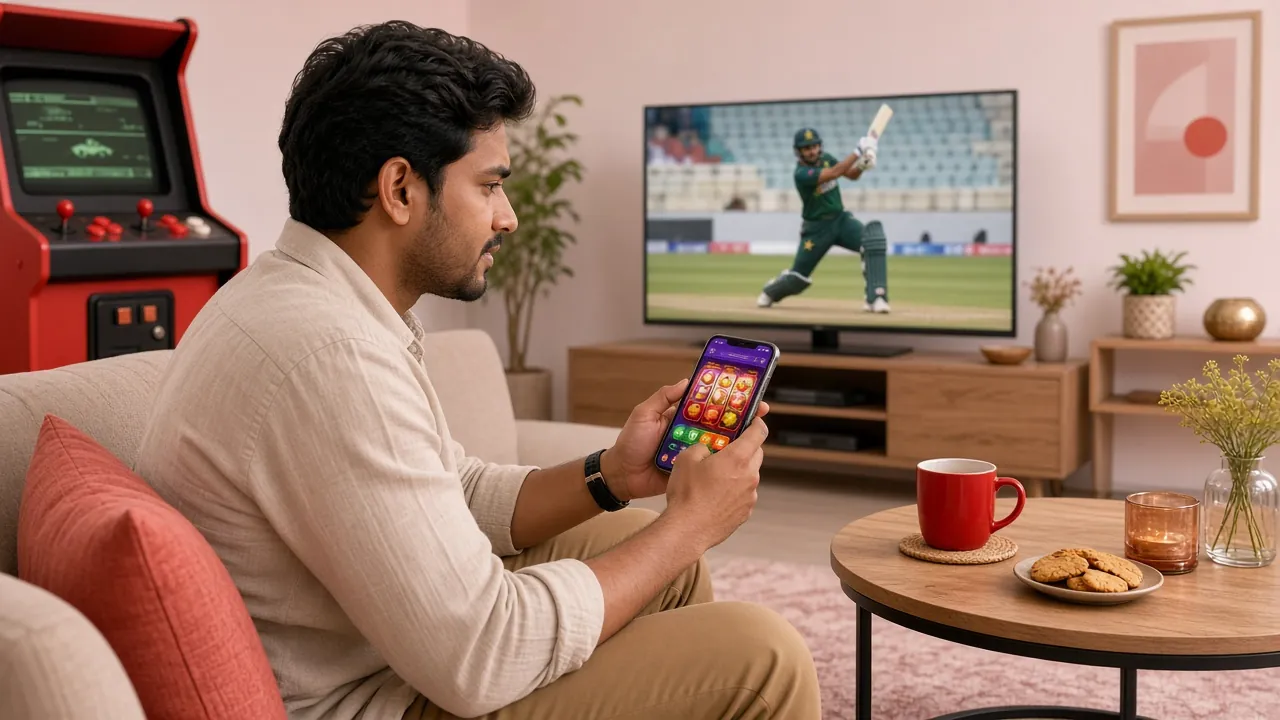
What You Get Inside the App
These six features are built into the 777sz Android app and cover the main things players in Bangladesh ask about before downloading.
Quick Login
Log back in with your fingerprint or a saved PIN. No need to type your password every time you open the app. Session stays active between quick phone locks.
Deposit & Withdrawal
All five payment methods – bKash, Nagad, Rocket, Upay, and Bank Transfer – are available directly in the app. Deposits arrive in about 6 minutes, withdrawals in around 23 minutes.
Live Casino & Sports
Full access to live dealer tables, cricket and football markets, and over 4,700 games from providers like Pragmatic Play, JILI, Red Tiger, and Spribe. No content is locked behind the browser version.
Push Notifications
Get alerts when your deposit is confirmed, when withdrawal is processed, or when odds shift on a live cricket over. You can turn specific alert types on or off in the app settings.
Bonus Centre
Check your welcome bonus status (165% up to ৳23,500), see active reload bonuses (16%), and track your daily cashback rate from the bonus tab without switching to a browser.
24/7 Live Chat
Customer support is built into the app. Tap the help icon to open a live chat session with the support team at any hour, without leaving the app or opening a browser tab.
Three Ways to Log In – Speed and Fit
777sz supports phone number login, username/password login, and app-based quick login. Each suits a different habit. Here is how they compare.
| Login method | Speed | Best for | Notes |
|---|---|---|---|
| App Quick Login (fingerprint / PIN) | Fastest – under 3 seconds | Frequent players on Android | Only available in the Android APK. Requires initial setup in account settings. |
| Phone number + password | Fast – one screen | Mobile browser users | Works on any device. Use a strong password and enable browser autofill to speed up repeat logins. |
| Username + password | Fast – one screen | Desktop browser, shared devices | Username is easier to type on a keyboard. Avoid saving credentials on a shared computer. |
Whichever method you choose, your first withdrawal requires a quick document check. Keep your National ID Card (NID) or passport ready. Review time is typically under 2 hours.
New to 777sz? Three Steps to Start Playing
-
1
Create your account
Go to /777sz-register/, enter your phone number and a password. The whole process takes under two minutes. You must be 18 or older.
-
2
Choose your platform
If you are on Android, download the APK from /777sz-app/ (45 MB, free). On iPhone or desktop, just bookmark the site in your browser and log in there.
-
3
Make your first deposit
Deposit at least ৳450 via bKash, Nagad, Rocket, Upay, or Bank Transfer. It arrives in about 6 minutes. Your 165% welcome bonus (up to ৳23,500) activates automatically.
App Permissions – What Gets Asked and Why
When you install the 777sz APK, Android will ask for a few permissions. Here is what each one does and how to manage it. You can always review or revoke permissions later in Settings > Apps > 777sz > Permissions.
-
Internet access
Required for all app functions – connecting to the game servers, loading live odds, and processing payments. Cannot be disabled while using the app.
-
Notifications
Used for deposit confirmations, withdrawal status, and live betting alerts. You can turn off individual notification categories in the app settings without uninstalling.
-
Biometrics (optional)
Needed only if you turn on fingerprint login. The app does not store your fingerprint data – it uses Android's secure biometric API. You can skip this and use a password instead.
-
Camera (optional)
Only requested if you use the in-app document upload during the withdrawal check. If you prefer, you can upload documents from the desktop browser instead. The camera is never accessed without your action.
-
Storage (optional)
Requested only if you save a screenshot or download a transaction receipt. Not required for gameplay or payments.
Download safely
Only download the 777sz APK from the official page at /777sz-app/. Third-party APK sites may bundle modified files.
- Current version: 2.9.5
- File size: 45 MB
- Free to download and install
- No subscription or in-app purchase charges
Questions Players Ask About 777sz App and Website
Can I use the same account on the app and the website at the same time?
Is the deposit time the same on the app and in the browser?
Do I get the welcome bonus if I register through the app instead of the website?
What if my Android version is below 8.0?
Will the app work on a slow internet connection in Bangladesh?
How do I update the 777sz app when a new version comes out?
Still not sure which to use?
The 24/7 live chat team can help you decide in under two minutes. Tell them your phone model and how often you plan to play.
- Support available 24/7
- Live chat inside the app and website
- Works on any device or browser
Ready to Pick Your Platform and Start Playing?
Create a free 777sz account today – takes under two minutes. Then choose the app, mobile browser, or desktop to play the way that suits you. Your first deposit bonus of 165% (up to ৳23,500) is waiting.
18+ · Please play responsibly · Minimum deposit ৳450 · Wagering requirement: 9x